
Keep calls, bookings, and follow-up moving.
Connect phone and message intake, booking rules, customer records, reminders, and follow-up so a small team can manage demand without adding another disconnected inbox.
Where the hours and leads go.
- Calls and messages waiting until someone is free to respond
- Booking, rescheduling, and cancellation details split across tools
- Reminder and follow-up steps that depend on one person remembering
- Lapsed customers with no defined, permission-aware reactivation process
- Owners switching between intake, scheduling, customer updates, and admin
ContourIQ maps the customer journey from inquiry through booking and follow-up. Where the connected tools permit it, routine requests can be captured, availability checked, reminders staged, and records updated. AI responses stay within approved information, while exceptions, sensitive requests, and low-confidence cases route to a person.
What a first operating layer could include.
These examples show how the process can be structured. Final scope depends on your systems, rules, permissions, and evidence; they are not claims that every workflow shown is already live.
Missed inquiry to a booked next step
A supported call, form, or message arrives → service and timing details are captured → eligible slots or next steps are offered from approved rules → the outcome is written to the customer record.
Confirmation, rescheduling, and waitlist
A booking triggers approved confirmations and reminders → a cancellation or reschedule updates the calendar → an eligible waitlist customer can be offered the opening under rules you define.
Customer follow-up and win-back
Customer status and consent rules identify an appropriate follow-up → a message is drafted or sent under your policy → replies, opt-outs, and exceptions stop or redirect the sequence.
Review and content approval
Completed work, approved photos, or customer feedback can enter a review-request or content-drafting queue, with a person approving anything public before it publishes.
Connect the workflow before adding intelligence.
The audit confirms system access, ownership, permissions, stop conditions, and human handoffs before implementation. Named categories below describe fit—not guaranteed compatibility with every vendor.
Phone, inbox, and web intake
Bring supported calls, messages, and forms into a consistent intake path without forcing staff to monitor another disconnected queue.
Booking calendar and service rules
Use real availability, duration, location, staff, notice, deposit, and cancellation rules when the scheduling system supports reliable access.
Customer records and consent
Keep contact status, service history, preferences, replies, and opt-outs available to the workflows that need them, with defined access boundaries.
Payments, reviews, and content
Connect approved post-service steps such as payment reminders, review requests, and content drafts without treating every completed job the same.
A practical automation path for local services.
Start with the operational handoff, then use the simplest reliable mix of workflow rules, integrations, and bounded AI assistance.
Workflow automation
Connect intake, booking, reminders, customer status, and follow-up across the systems your front desk or owner already uses.
Explore the service →AI-assisted customer operations
Classify requests, prepare bounded responses, summarize conversations, and escalate exceptions using approved business knowledge.
Explore the service →Real businesses and customer journeys we have worked on.
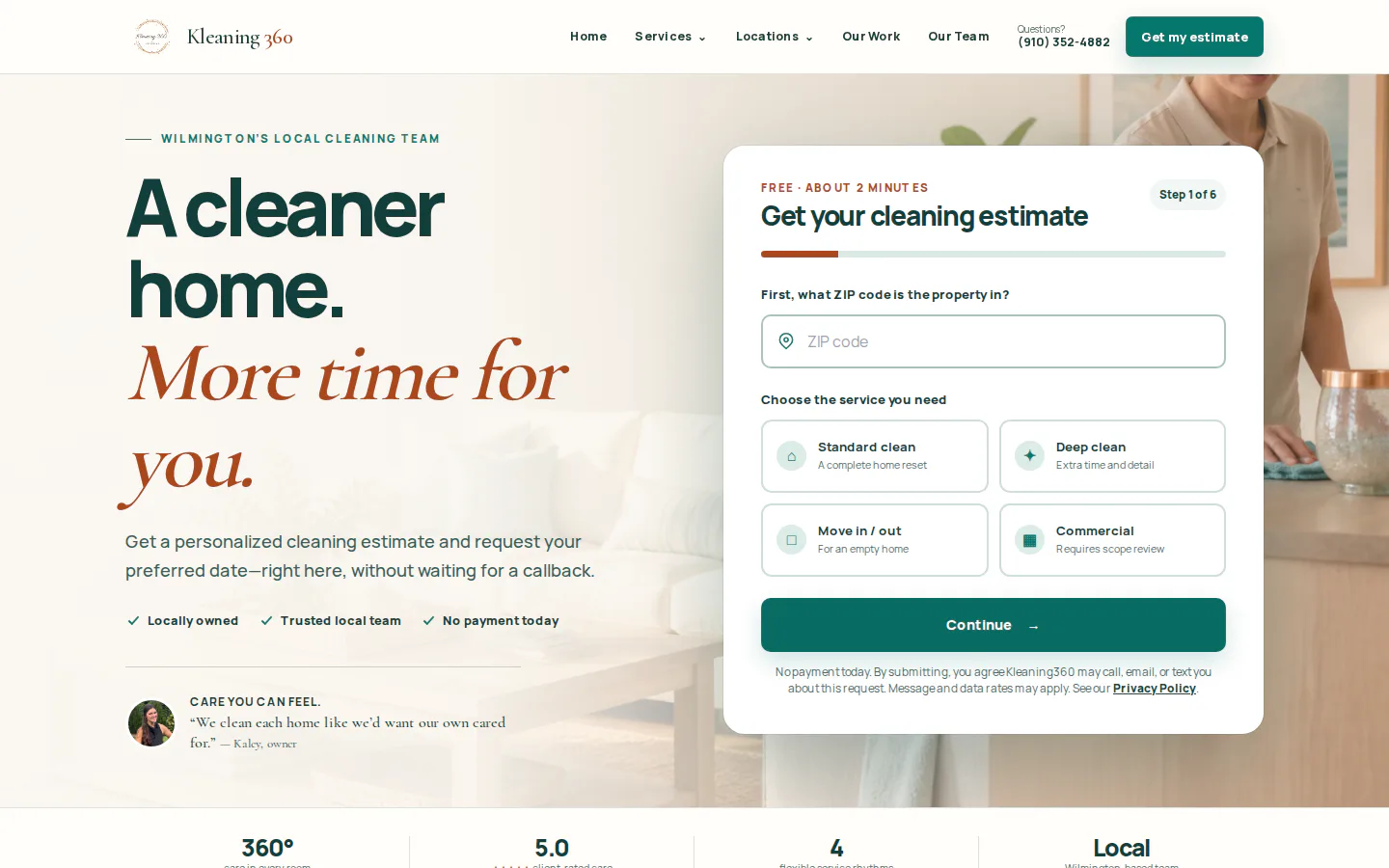
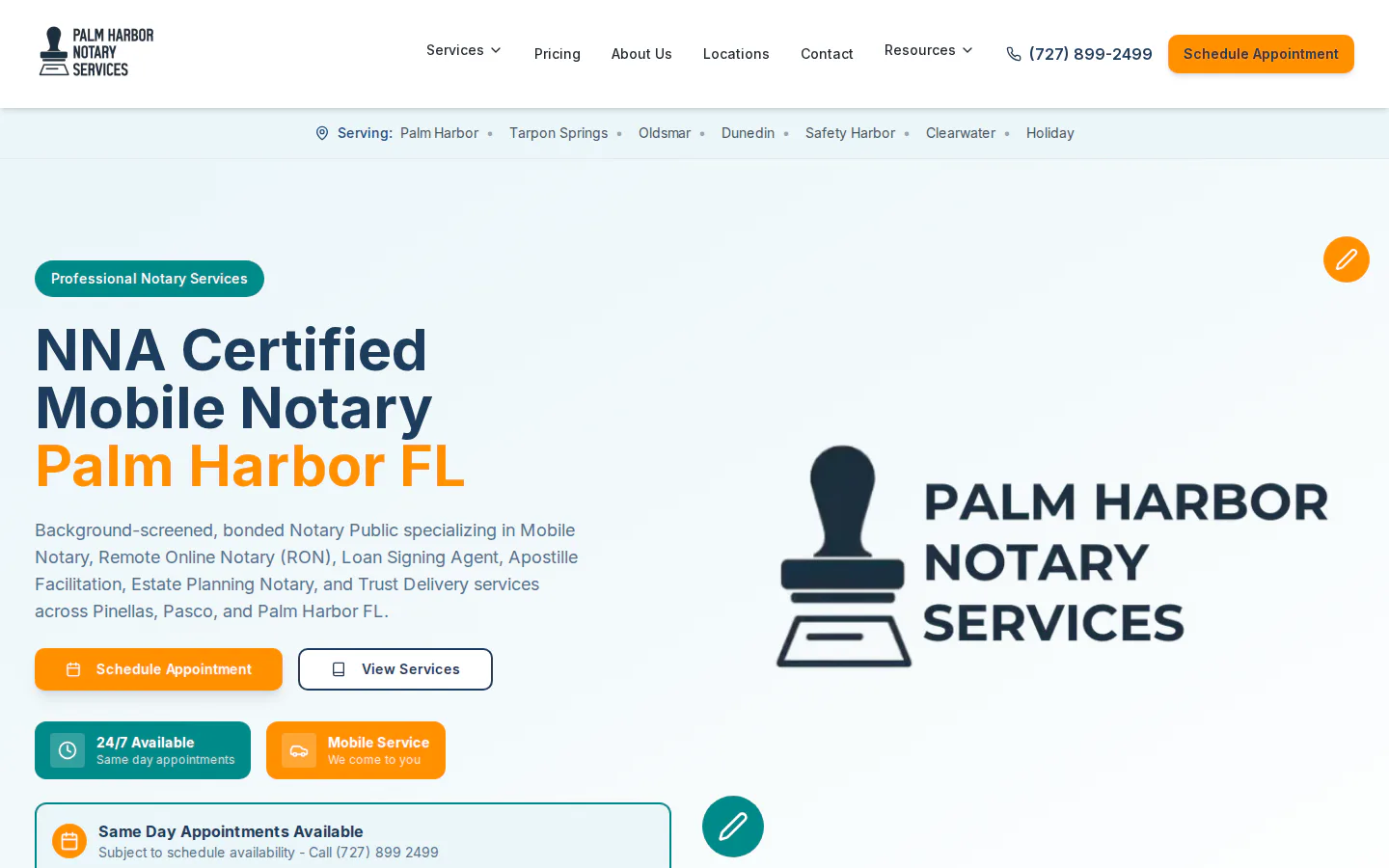
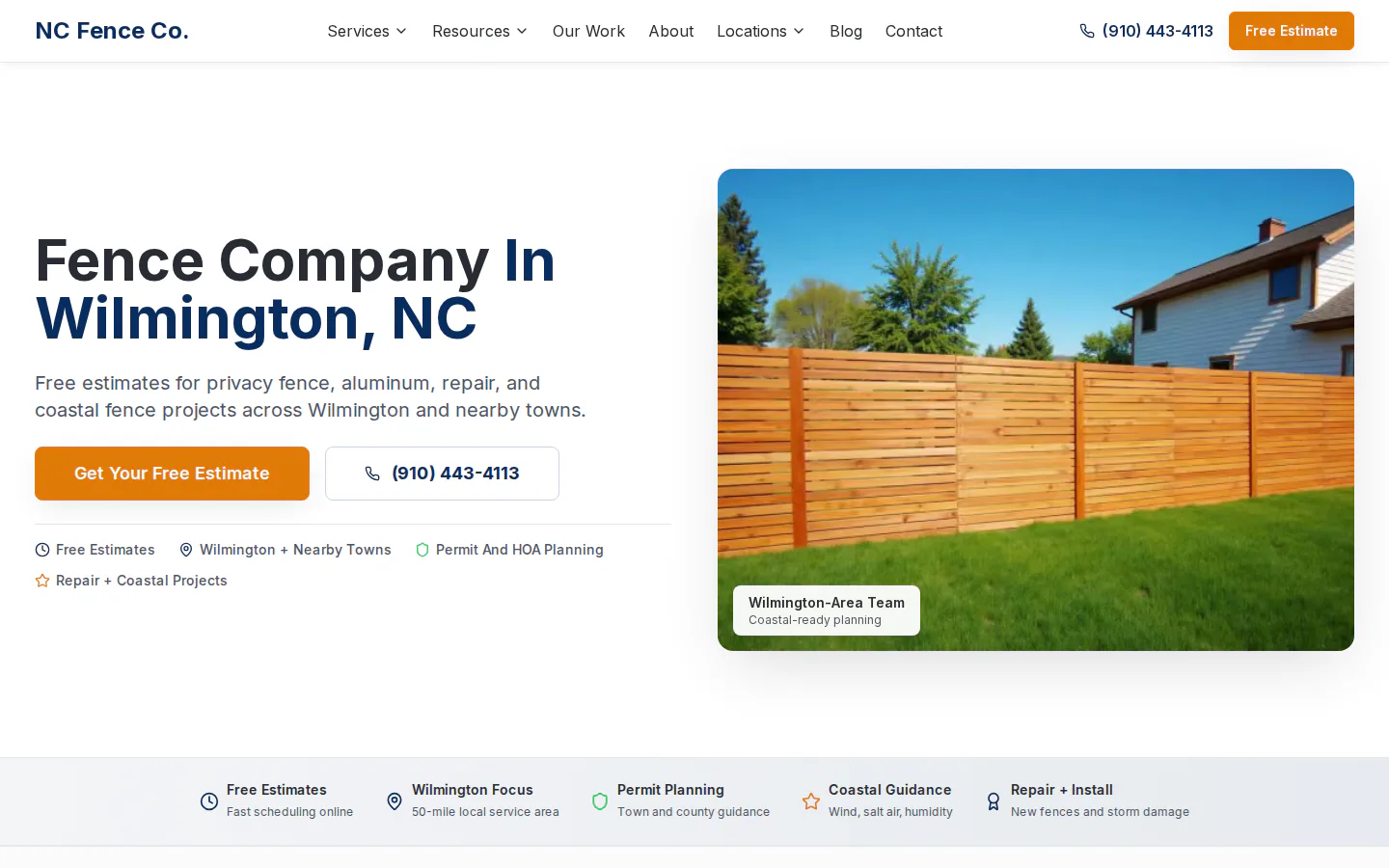
These examples demonstrate local-service websites, quote or booking paths, search architecture, and approved content systems. They are not claims of measured automation or revenue outcomes.

Automate the repeatable steps. Keep people on the judgment.
Each implementation defines approvals, escalation, and candidate success measures before launch. The items below are goals to baseline and validate—not past results or guarantees.
- Measure inquiry response time by channel and time of day
- Track the share of eligible inquiries that reach a booked next step
- Compare reminders, cancellations, reschedules, and unfilled openings
- Quantify manual touches, opt-outs, exceptions, and human escalations
- Lead — Karen M., fence quoteLow risk
No reply in 2 days. Send the follow-up text with the updated quote link.
ApproveEdit - Proposal — Hilltop DentalReview pricing
Proposal drafted from your template. $4,850, net-15, 3 line items.
ReviewEdit - Social — Before & after, Unit 12Low risk
Post drafted with photos and caption. Scheduled for Thursday 9:00 AM.
ApproveEdit - Invoice — #1042, 14 days overdueLow risk
Payment reminder drafted. Friendly tone, includes payment link.
ApproveEdit
Questions to answer before implementation.
Compatibility and scope depend on the systems, permissions, workflow rules, and evidence available in your business.
Can automation work with our existing booking calendar?
Often, if the calendar exposes dependable availability, booking, cancellation, and update controls. The audit verifies access and rules before any automated action is designed.
Can we keep our existing business phone number?
That depends on the current carrier and call setup. A workflow may use forwarding, missed-call triggers, or a supported phone provider; the design should preserve caller expectations and define when a person takes over.
Will an AI agent answer every customer question?
No. It should answer only from approved business information and within defined confidence and risk limits. Pricing exceptions, complaints, sensitive details, and uncertain requests can route to staff.
How should a local service business measure the first workflow?
Start with a baseline such as response time, inquiries reaching a booking, manual touches, no-shows, or unfilled cancellations. Then compare the same measure over an agreed observation window while monitoring opt-outs and exceptions.
The window is open.
Customers increasingly expect quick, clear coordination across phone, text, and online booking. A measured workflow can help a one-location team respond more consistently while preserving the personal judgment that keeps customers loyal.
Entry workflows start at $99–$399/month. Serving small businesses in all 50 U.S. states.