
Move each inquiry toward a followed-up estimate.
Connect missed-call intake, estimate details, scheduling, quote approvals, follow-up, and invoice reminders while you and the crew stay focused on the work.
Where the hours and leads go.
- Calls missed on the job site — jobs booked by whoever answered
- Quotes promised 'this week' going out two weeks late
- Invoices unpaid for 30+ days with nobody chasing
- Before-and-after photos that never make it to Facebook
- Scheduling chaos between crews, jobs, and change orders
Missed calls can move into a structured intake and estimate request. Job details and photos reach one record, quotes are prepared from approved templates and pricing, and unusual scope waits for your review. Follow-up, invoice reminders, and job-photo content run as workflows with clear owners and stop conditions.
What a first operating layer could include.
These examples show how the process can be structured. Final scope depends on your systems, rules, permissions, and evidence; they are not claims that every workflow shown is already live.
Missed-call to booked estimate
Call missed on site → agent answers, captures the job details and photos, offers estimate slots from your calendar → you see a clean job brief, not a voicemail.
Estimate drafting and approval
Job details in → quote drafted from your templates and price book → you review on your phone → sent with e-signature → follow-up runs until they decide.
Invoice reminders
Overdue invoice → friendly reminder with payment link → escalating sequence you control → you're flagged only when it needs a human call.
Before-and-after engine
Crew photos become project posts and review requests — drafted, approved by you, published on schedule.
Connect the workflow before adding intelligence.
The audit confirms system access, ownership, permissions, stop conditions, and human handoffs before implementation. Named categories below describe fit—not guaranteed compatibility with every vendor.
Phone, forms, and lead records
Route supported call, form, and message sources into one intake record with the service area, job type, timing, and requested next step.
Estimating and price controls
Use approved templates, price-book inputs, and scope rules to prepare an estimate draft while exceptions and final pricing stay with your team.
Calendar and job handoffs
Coordinate estimate availability, confirmations, job status, and internal ownership when the connected scheduling tools expose reliable access.
Accounting and follow-up
Trigger approved reminders from invoice or estimate status, with stop rules for payment, decline, reply, dispute, or human escalation.
A practical automation path for contractors.
Start with the operational handoff, then use the simplest reliable mix of workflow rules, integrations, and bounded AI assistance.
Workflow automation
Connect lead intake, estimate preparation, scheduling, follow-up, and invoice status across the tools your office and crews already use.
Explore the service →AI-assisted intake and drafting
Interpret job requests, summarize photos and notes, and prepare approved responses or documents without giving AI unchecked pricing authority.
Explore the service →Real businesses and customer journeys we have worked on.
These examples demonstrate contractor-market, lead-path, and digital-system experience. They do not imply unmeasured automation, time-saved, or revenue outcomes.
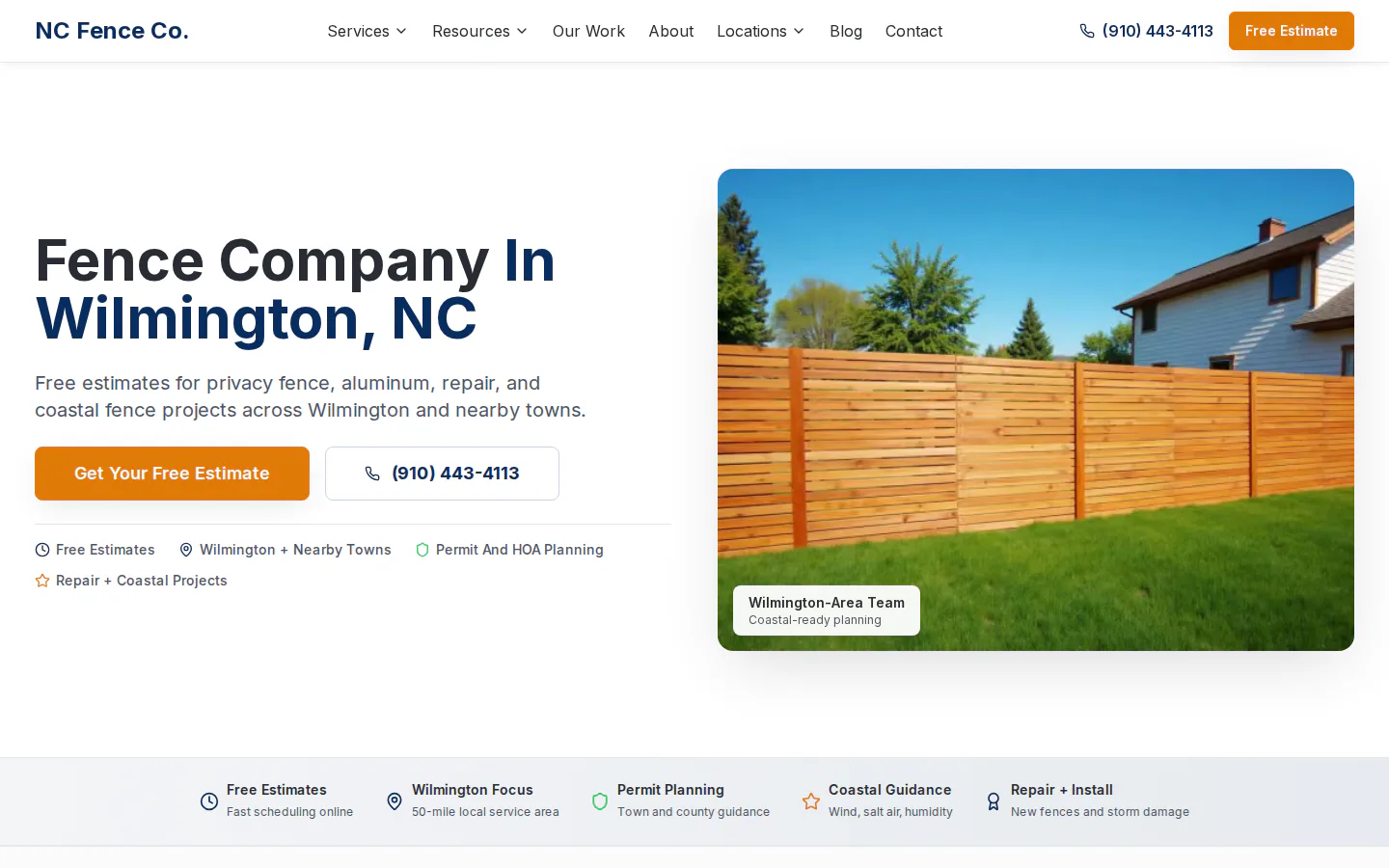
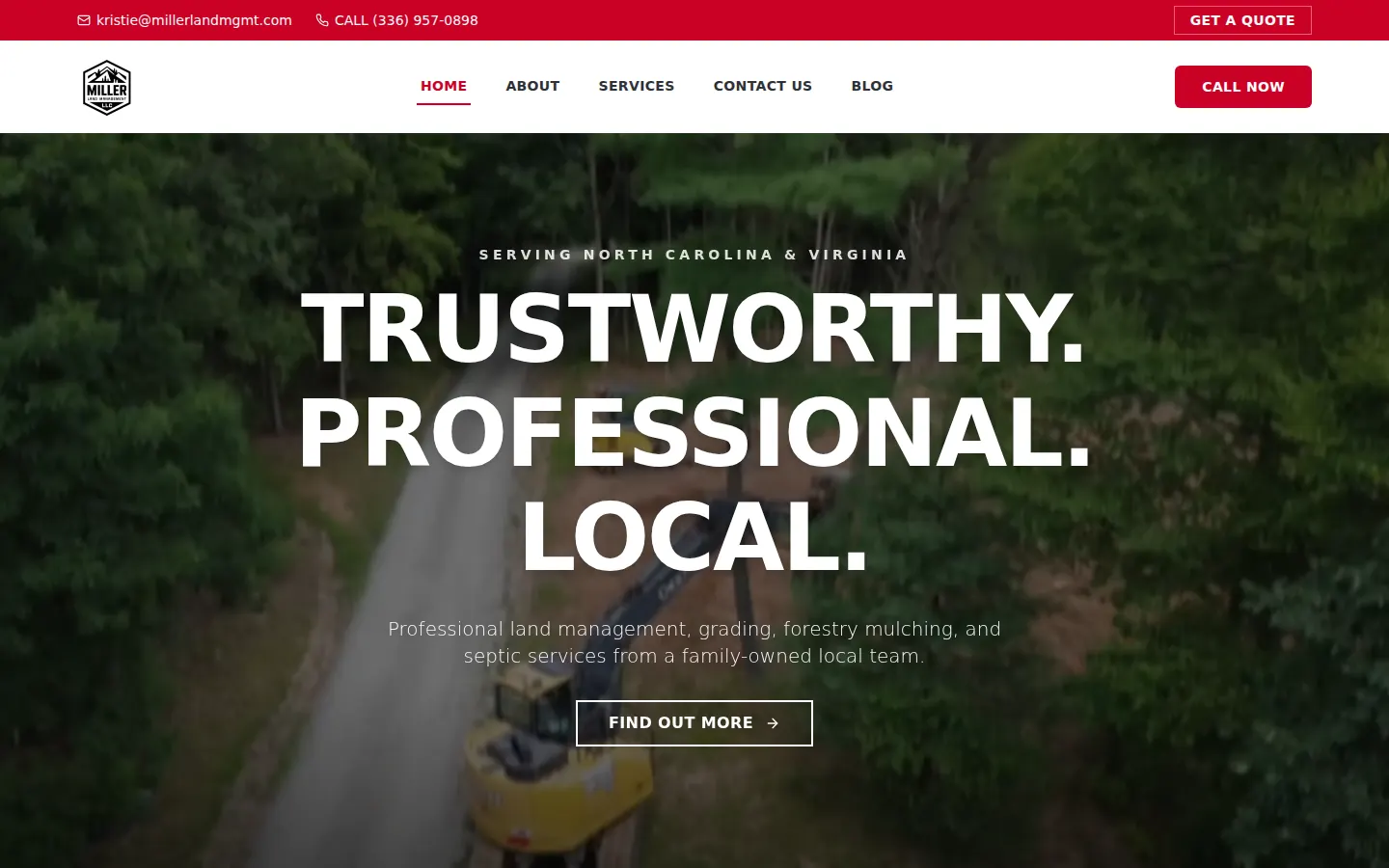
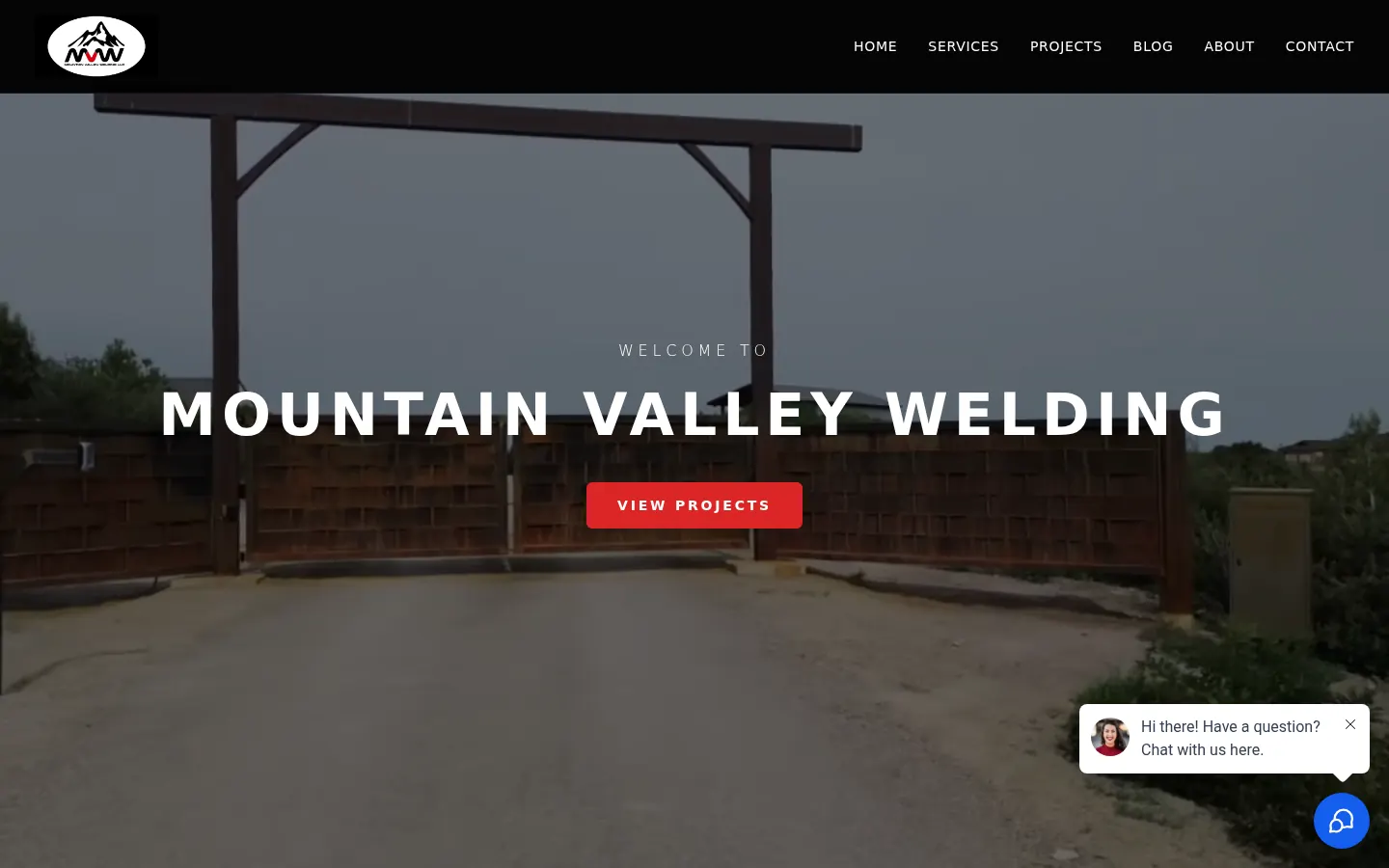
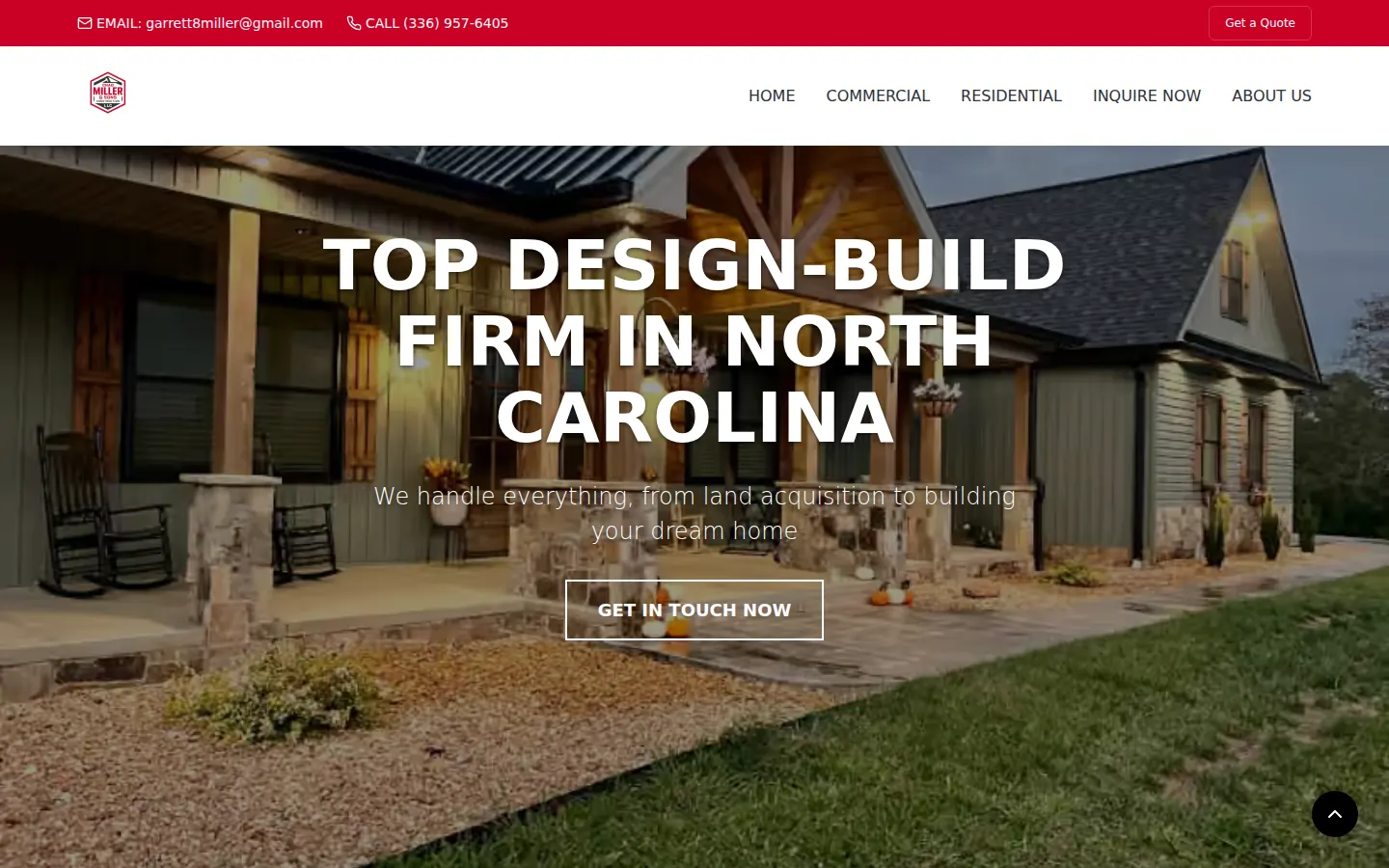
Automate the repeatable steps. Keep people on the judgment.
Each implementation defines approvals, escalation, and candidate success measures before launch. The items below are goals to baseline and validate—not past results or guarantees.
- Track time from inquiry to first response and estimate
- Measure how many missed calls reach a scheduled next step
- Reduce manual quote follow-up and invoice chasing
- Return repeated evening admin work to a managed workflow
- Lead — Karen M., fence quoteLow risk
No reply in 2 days. Send the follow-up text with the updated quote link.
ApproveEdit - Proposal — Hilltop DentalReview pricing
Proposal drafted from your template. $4,850, net-15, 3 line items.
ReviewEdit - Social — Before & after, Unit 12Low risk
Post drafted with photos and caption. Scheduled for Thursday 9:00 AM.
ApproveEdit - Invoice — #1042, 14 days overdueLow risk
Payment reminder drafted. Friendly tone, includes payment link.
ApproveEdit
Questions to answer before implementation.
Compatibility and scope depend on the systems, permissions, workflow rules, and evidence available in your business.
Can contractor automation work with our current CRM and estimating tools?
Often, but the answer depends on the tools' APIs, webhooks, permissions, and data quality. The workflow audit identifies what can connect reliably, what needs a controlled handoff, and what should remain manual.
Does AI set prices or send estimates without approval?
Not by default. AI can organize job details and prepare a draft from approved inputs, while final scope, exceptions, pricing, and sending can remain behind a human approval step.
Which contractor workflow should we automate first?
Usually one measurable handoff such as missed-call intake, estimate follow-up, or invoice reminders. The best starting point has enough volume to baseline and clear rules for stopping or escalating.
How do we measure whether the workflow is working?
Agree on a baseline first, then track measures such as response time, inquiries reaching an estimate, estimate follow-up completion, manual touches, exceptions, and escalation rate. No result should be treated as guaranteed.
The window is open.
Homeowners often compare multiple providers. A clear response, professional estimate process, and consistent follow-through help good craftsmanship make it into the buying decision.
Entry workflows start at $99–$399/month. Serving small businesses in all 50 U.S. states.